Dear Folks,
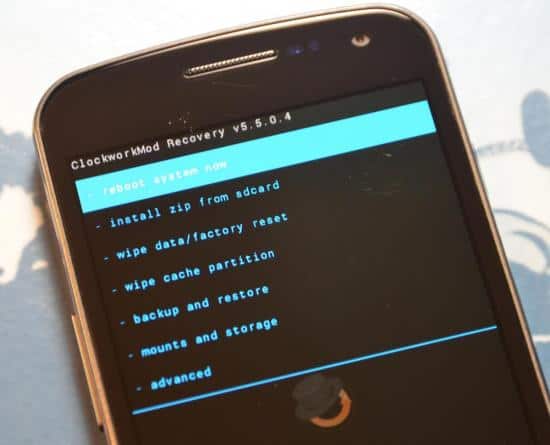
Many of the fans have requested this so I'm posting the method to install the ClockWorkMod recovery or simply put CWM Recovery on your Qmobile Noir A8.
Steps To Install ClockWorkMod Recovery On QMobile Noir A8:
WARNING: Do NOT perform the procedure if you have NO idea why you’re doing this. Doing something wrong CAN brick your phone, so please make sure you follow exactly. If you mess up something, I will NOT responsible for it.
**Your phone must already be rooted! Check this thread to root your device first**
1) Download THIS file. Extract all files somewhere, e.g D:\noir. You will get 3 folders: “MT6577 USB VCOM drivers”, “recovery_files” and “SP_Flash_Tool_v3.1224.01″