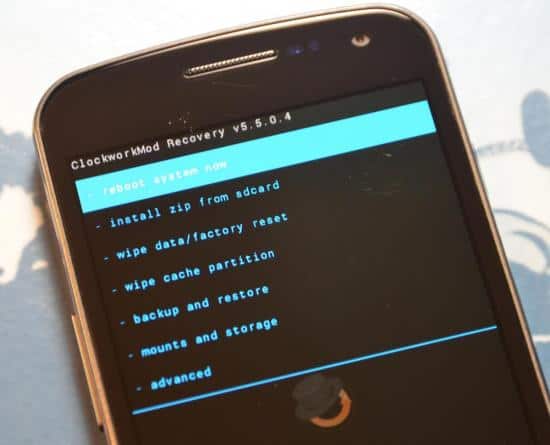
CWM Recovery
CWM Recovery

Install CWM Recovery on Qmobile Noir A8


Dear Folks,

Many of the fans have requested this so I'm posting the method to install the ClockWorkMod recovery or simply put CWM Recovery on your Qmobile Noir A8.


Steps To Install ClockWorkMod Recovery On QMobile Noir A8:

WARNING: Do NOT perform the procedure if you have NO idea why you’re doing this. Doing something wrong CAN brick your phone, so please make sure you follow exactly. If you mess up something, I will NOT responsible for it.
**Your phone must already be rooted! Check this thread to root your device first**
1) Download THIS file. Extract all files somewhere, e.g D:\noir. You will get 3 folders: “MT6577 USB VCOM drivers”, “recovery_files” and “SP_Flash_Tool_v3.1224.01″

How to root Qmobile Noir A9 and Install CWM recovery


Hello Pakistan,

Keeping up with the tradition of providing you guys with the latest tips and tricks related to Android, I bring you the method to root the Qmobile Noir A9 phone courtesy of the genius folks at www.inkpak.com. So grab your A9 and let the adventure begin...procedure below.

How to Root HTC Sensation - Complete Guide


Hello guys, 

Been receiving a lot of requests that I post a method to root HTC Sensation, so the wait is over and here is a working method of rooting your HTC Sensation Android phone.

Warning: The following method should be tested on your own risk and I shall not be responsible for any damage done to your device as a result of this method. 


Please note that this is not an easy method and will require your full concentration

Install ClockWorkMod Recovery on Qmobile A6


Today we will tell you how to install ClockWorkMod Recovery or CWMR on a Qmobile Noir A6. 

What you will need

  1. A rooted Qmobile Noir A6. (If its not rooted, root it with the method in this link)
  2. MTK MobileUncle Tools Apk (download link)
  3. CWMR for Noir A6 (download link) This recovery is for Noir A6 only, do not try it on any other QMobile Noir phones.
Warning: What you are about to do next is totally on your own risk and we shall not be responsible for any mishap with your phone. 


Copyright @ 2014 Pak-Tech.